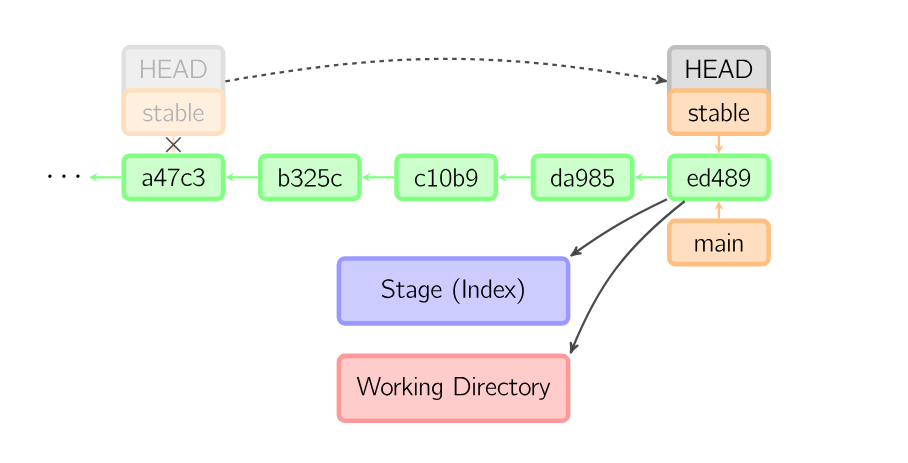
Merging is one way of combining two divergent branches. It create a new commit that is an ancestor of the two commits from different branches, and attempts to resolve any conflicts.
Fast-forward merge
These are the simplest merges, and happen most often when pushing/pulling from a remote. In these cases, the head pointer has to simply be able to reach the other pointer by following the history (such as when you've made some commits on the remote, and you pull it down to a different machine). Since there is nothing to “combine”, the head pointer just moves forwards, and this is called a fast-forward merge.
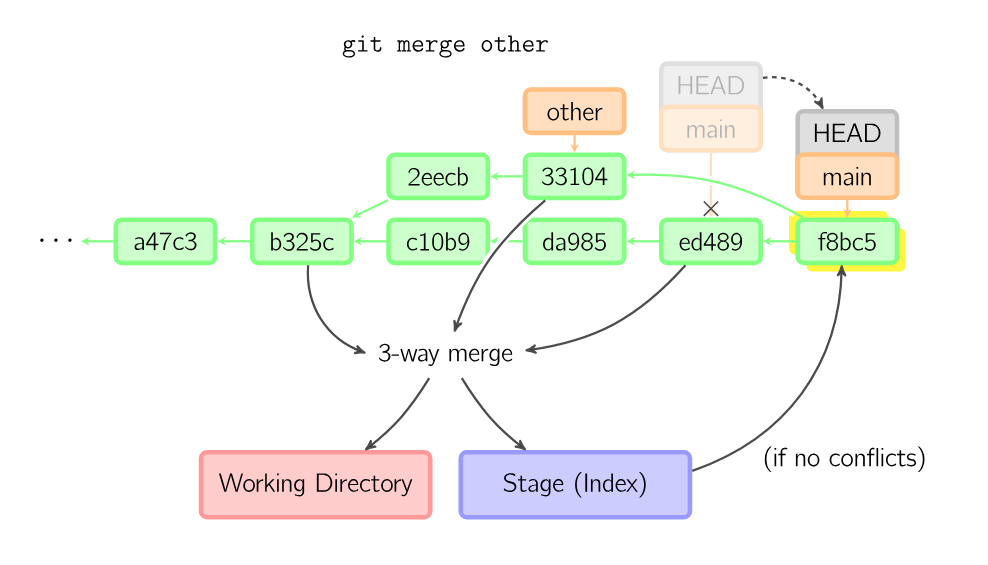
Merge conflict diagram from visual-git-guide. Every change that has been made on the “other” branch and the “main” branch is combined into one commit with hash
f8bc5.
This happens when a fast-forward can't be done.
When a simple merge conflict happens, git merge will print
Auto-merging <file>
CONFLICT (content): Merge conflict in <file>
Automatic merge failed; fix conflict and then commit the result.
The file will contain something like this:
<<<<<<< HEAD:<file>
<stuff that was on the current checked-out branch>
=======
<stuff that was on the branch you're trying to merge in>
>>>>>>> <branch>:<file>
To resolve this, you pick a side (or combine them), and remove the markers that Git has introduced.
Alternatively, you could use a graphical tool by running
git mergetoolwhich will, unless you've changed your settings, prompt you to pick a diff tool. For a list of diff tools, see awesome-diff-tools.
Then, when you're done, run git add to stage those files, and you can then commit them. The commit you then make is a merge commit, and it might be worth adding a message explaining how you decided to merge everything. However, if it's a simple merge, that might not be necessary.